For small-batch candle makers
Candle labels that look hand-poured, not templated.
Free candle label maker for Etsy sellers and home chandlers — type your brand and scent, design and print compliant candle labels online. The warning label generator and print sheets are free with no signup; new accounts get 3 free AI label designs.
Pick a style
Label designs are AI-generated with Google Gemini 3.1 Flash-Lite Image and may be imperfect. Every prompt and result is safety-checked — see our Acceptable Use Policy. Report content
Looking for ideas? See our candle label ideas gallery — seven label styles with real examples you can remake with your own brand and scent.
Label ideas
Candle label designs, made here
Every one of these came out of this tool. Tap a label to start from the same style with your own brand and scent.
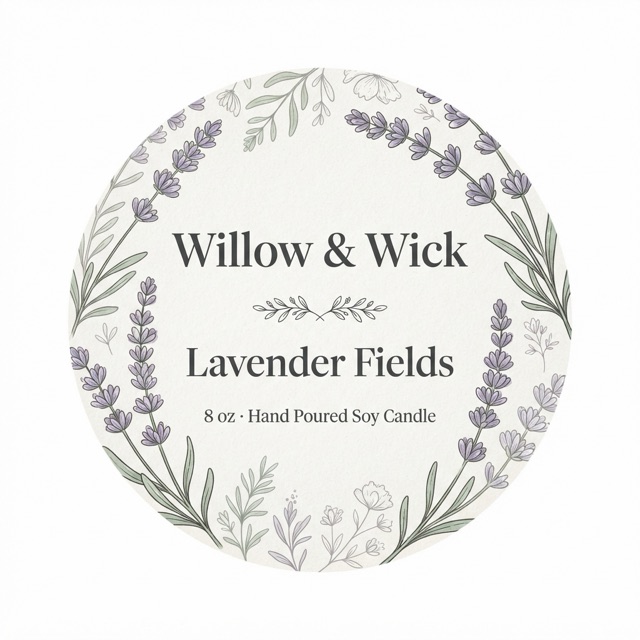
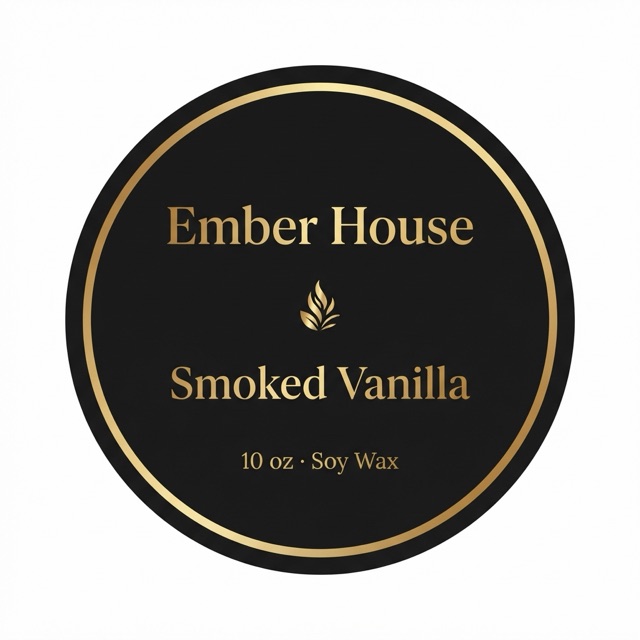
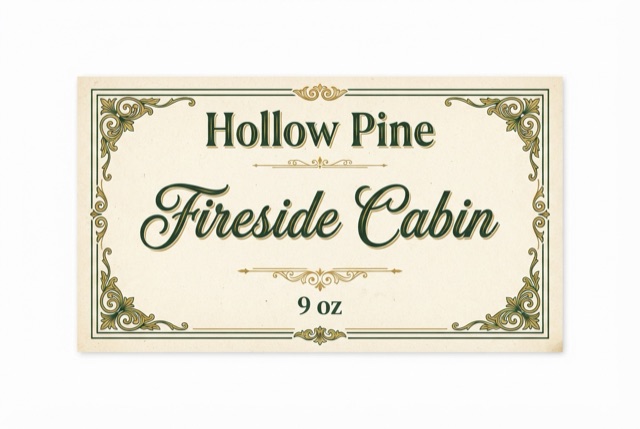
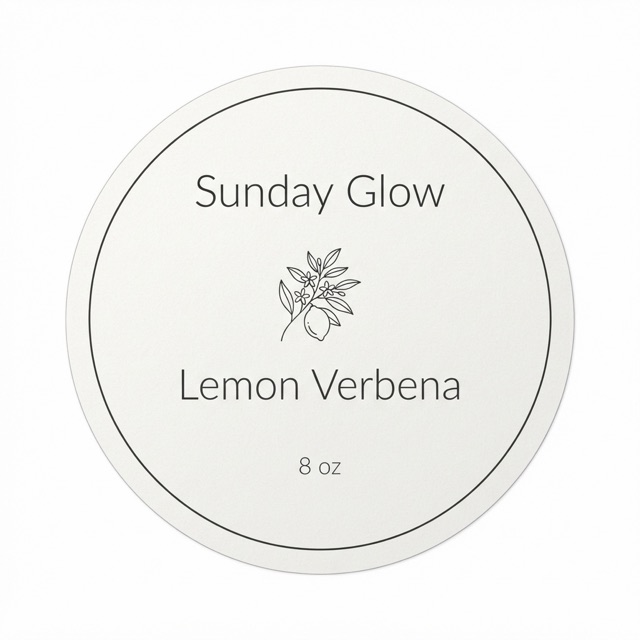
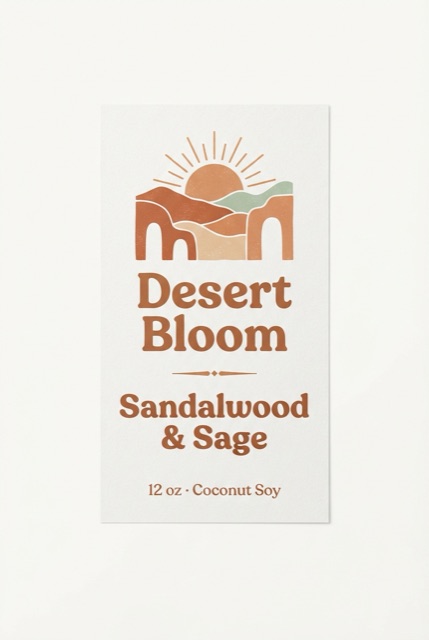
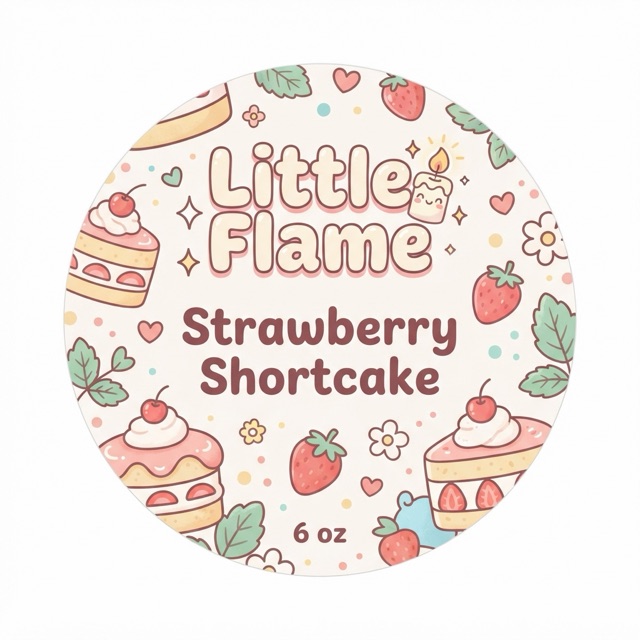
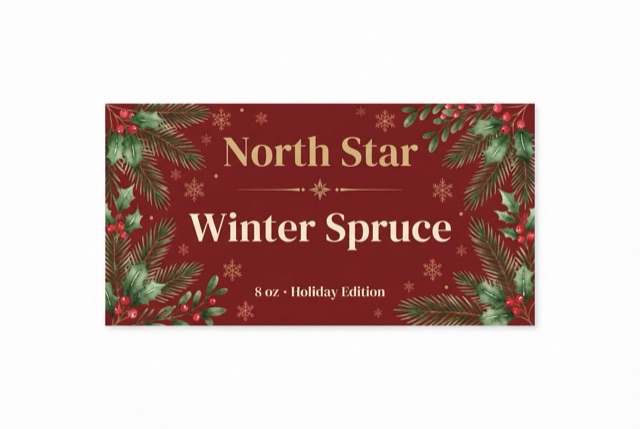
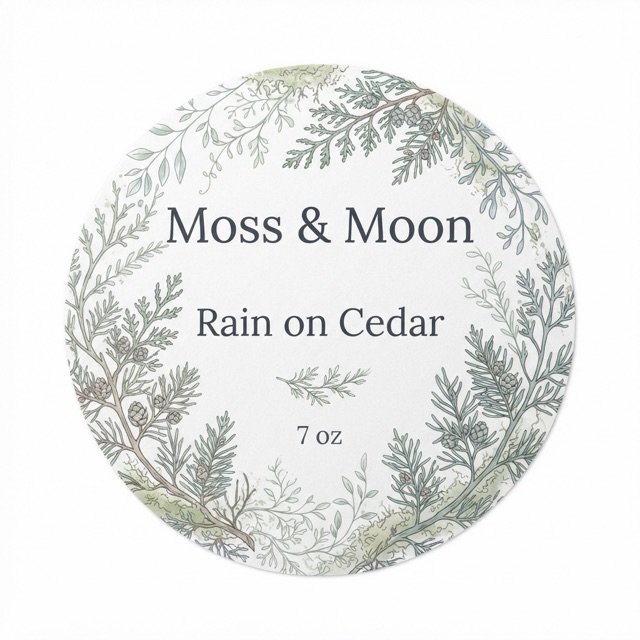
Burn within sight.
Free candle warning labels
Every candle should carry a fire safety warning. Make one in the ASTM F2058 text format — safety alert symbol, WARNING, and the standard statements — and print a full sheet. Free, no sign-in.
More free tools
Free printable tools, no sign-in
Pure browser tools — nothing you type leaves your device.
Soap label generator
Bar, round, belly-band and bottle labels with your INCI list in descending order and automatic oz ⇄ g net weight. Print-ready PDF, PNG or SVG at true size.
Make soap labels →Christmas gift tag generator
Paste your To/From list, pick a festive template (From Santa, Made with Love), and print a full PDF sheet of holiday gift tags with cut lines.
Make gift tags →Your brand, your scent
Type your shop name and scent and get a finished label design in about 10 seconds, with the text spelled exactly as you typed it.
Matching scent line
Love a design? Make the next scent in the same style with one click, so your whole collection looks like a set.
Print at home
Lay your label and a warning label out on a full US Letter sheet with cut guides, then print on sticker paper.
How it works
From scent name to printed sheet
- Enter your brand name, scent and net weight, then pick a style and label shape.
- Press Generate. Sign in with Google to get 3 free credits; each design costs 1 credit.
- Click “Same style, new scent” to build the rest of your line.
- Open the print sheet, choose the label size, add the free warning label, and print on full-sheet sticker paper.
Pricing
Pay per design, not per month
One-time credit packs. No subscription, credits never expire. Warning labels and print sheets are always free.
Try it out
Starter
$4.99
30 credits · $0.17 each
Most popular
Plus
$9.99
80 credits · $0.12 each
For a full product line
Pro
$19.99
200 credits · $0.10 each
Guides
Candle label know-how
What to put on a candle label
The front-and-back checklist: brand, scent, net weight, warning text and contact details.
Read guide →Candle label sizes: how to measure your jar
Measure your jar in two minutes, plus the formula for wrap-around labels.
Read guide →How to print candle labels at home
Printer settings, sticker paper and cutting — print labels at home on any printer, plus when a print shop is cheaper.
Read guide →Wax melt labels
What to print on clamshells and snap bars, with a wax melt safety note.
Read guide →Printable candle labels
Design, pick sticker paper, print at 100% and cut — all at home.
Read guide →Free candle label templates
Six templates — warning, round, full-sheet, wax melt, gift tags, soap — every card opens a live generator set to that layout.
Read guide →Free candle label makers, compared
Five free ways to make candle labels — Canva, Avery, Adobe Express, Word or this site's generator — compared honestly, weaknesses included.
Read guide →Candle label templates: the honest Canva alternative
Honest side-by-side: what Canva genuinely does better, and when a candle-specific generator is the faster path to a printable label.
Read guide →Questions
Candle label FAQ
What is a candle label maker?
It is a free online tool that designs candle labels for you: type your brand name, scent and net weight, pick a style, and it creates a print-ready label you can print at home or send to a print shop. This one also lays out matching ASTM F2058-style warning labels and a full sheet to print.
Are there free candle label templates?
Yes — this candle label maker works as a free template generator: type your brand and scent, pick a style (minimal, botanical, vintage apothecary, boho, luxury black & gold, cute, holiday) and a shape, and get a print-ready design in seconds. The warning label generator and print sheet are free with no signup, and new accounts get 3 free AI label designs.
What should I put on a candle label?
Put your brand name, the scent name, the net weight (e.g. Net Wt 8 oz / 227 g) and a fire safety warning on every candle label — those four cover what buyers and retailers expect. In the US, the industry standard ASTM F2058 describes the warning as a safety alert symbol, the word WARNING, and statements such as “Burn within sight”, “Keep away from things that catch fire” and “Keep away from children and pets”. Many makers also add their business name, website or batch number.
What are the candle label requirements?
There is no single federal law just for candle labels in the US — the requirement most makers follow is the voluntary standard ASTM F2058 for fire safety labeling: a safety alert symbol, the signal word WARNING in bold capitals, and the three standard statements (burn within sight, keep away from things that catch fire, keep away from children), placed on the candle where buyers can see it at the point of sale. Net weight rules under fair packaging laws also apply, and requirements differ outside the US — check the rules where you sell.
How do I design a candle label?
Use a free candle label maker like this one: type your brand and scent, add your net weight, choose a style and shape, press Generate, then print the result on sticker paper — no design skills needed. Keep the text big enough to read at arm's length, put the warning label on the bottom or back of the jar, and print at 100% scale so the size is right.
Is it free?
Yes — the warning label generator, the soap and gift tag tools, and the print sheet are free with no signup, and new accounts get 3 free AI label designs. After that each design costs 1 credit, one-time packs start at $4.99, and credits never expire.
Do I need a warning label on my candles?
Yes, you should put one on every candle: ASTM F2058 is a voluntary US standard, but most candle makers follow it and many retailers ask for it. Our free warning label generator lays out the safety alert symbol, WARNING and the standard statements in that format; it is a design aid, not a legal or compliance review.
What size should a candle label be?
The most common candle label sizes are 2 × 3 in rectangles for jar fronts, 3 × 2 in for tins, and 2–3 in rounds for lids and the bottom of jars — measure the flat area of your container first, then pick the closest size. This maker generates round, rectangle (3 × 2) and tall rectangle (2 × 3) designs, and the print sheet lays them out at true size.
What paper should I print candle labels on?
Use matte or glossy full-sheet sticker paper (US Letter) in an inkjet or laser printer, then cut along the guides. Print at 100% scale, not “fit to page”, so the labels come out at the right size.
How do I print candle labels at home?
Open the free print sheet, pick your label size, mix in warning labels if you like, then print on US Letter full-sheet sticker paper at 100% scale (turn off “fit to page”) and cut along the dashed guides. Any inkjet or laser printer works.
Can I use the designs commercially?
Yes — you can use the labels you make on candles you sell, on Etsy, at markets or in shops. Don’t ask for other companies’ logos or trademarked characters; those prompts are blocked.
Can I make labels for wax melts and soap too?
Yes — there is a free wax melt warning label generator (melts aren’t lit, so their warnings differ from candles) and a free soap label generator with INCI ingredient lists and automatic oz ⇄ g net weight, both free with no signup.